Revoking access
As a File Owner, you can revoke access of a particular user (or group) to multiple protected files simultaneously. This is useful when a user leaves the team and his access to all protected content needs to be revoked immediately.
Search for the desired files (see Searching for Files
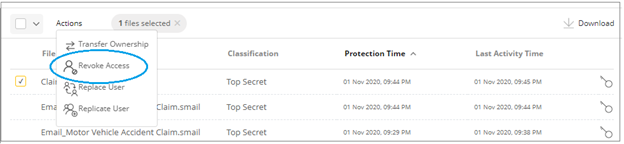
), check the box against them in the search results, then click Actions at the top, and click Revoke Access as shown below.
In the Revoke Access window, select the user or group and click Revoke.
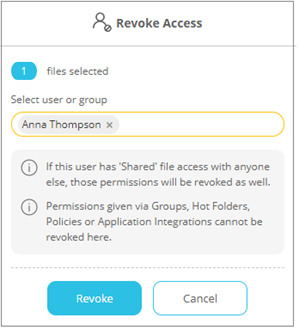
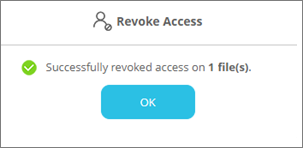
This user's access on all selected files will be revoked.
Access given via the following means will not be revoked:
Only permissions given directly (via the 'Recipients' tab on the Protection screen - see Protecting Files ) will be revoked.