Searching for Files
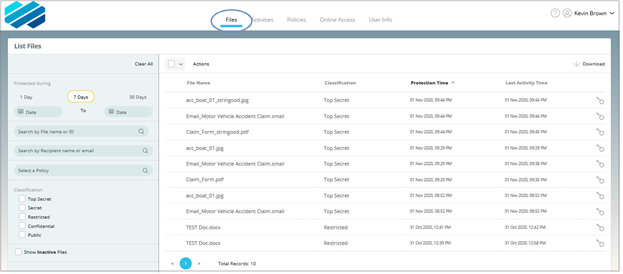
To search for files that you have protected, click Files and enter the desired search criteria on the left pane.
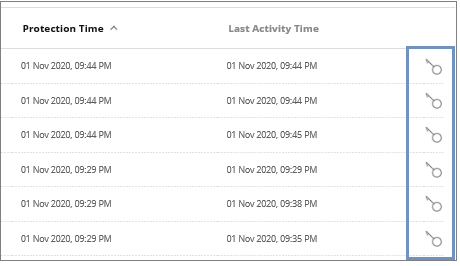
You can now either click on a file to go to its Details page (see Viewing File Details) or select file(s) and then click the Actions drop-down menu for additional options. Click on the file's corresponding key icon to the right to view its permissions.